
Inspect & share
Inspect requests
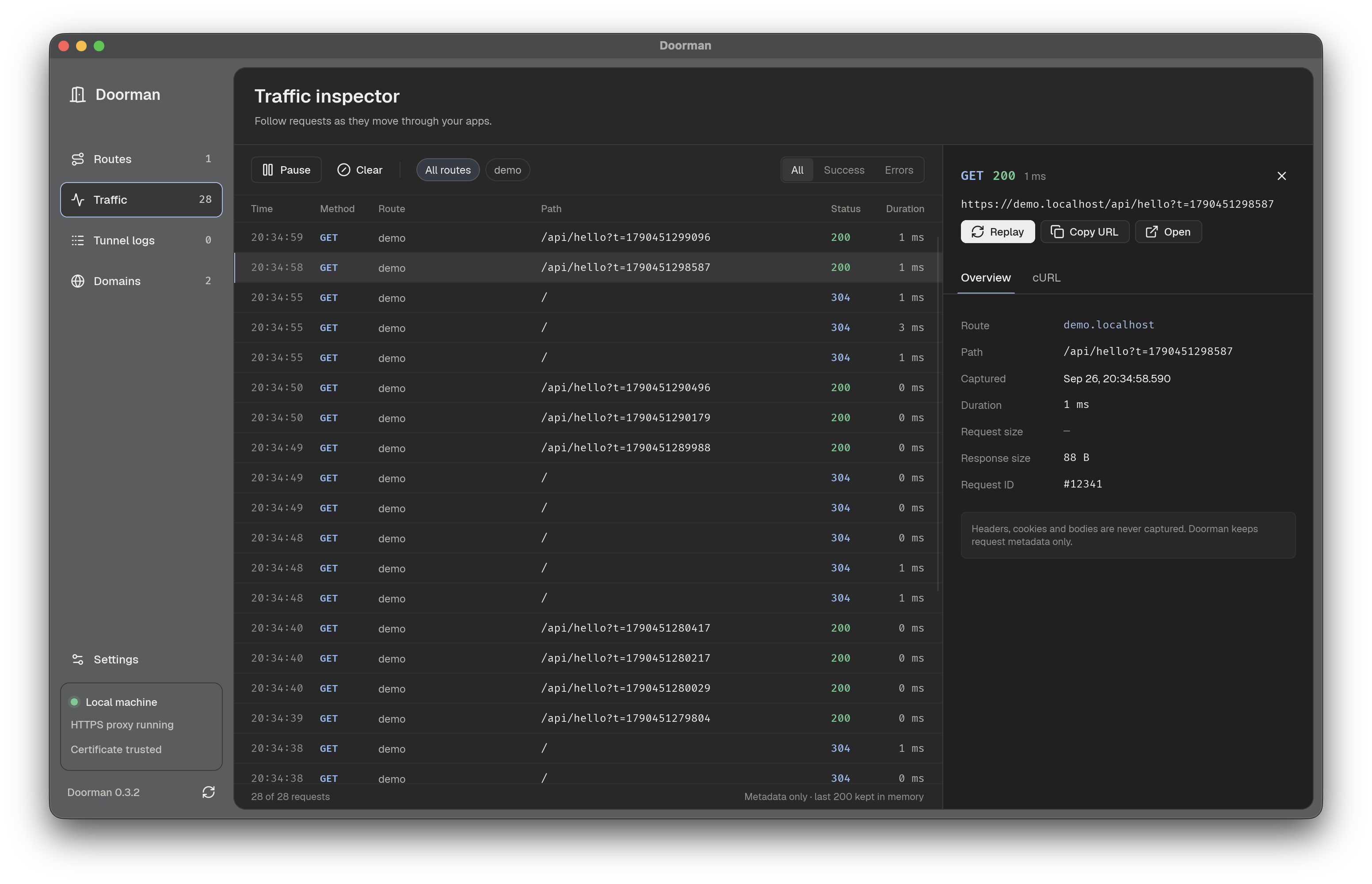
Section titled “Inspect requests”Open the native app to browse routes and live traffic, or use the CLI:
doorman traffic --route shop --limit 50doorman traffic --jsondoorman clear-trafficThe inspector retains the newest 200 requests in memory: method, host, path, status, timing, and sizes. It does not capture headers, cookies, or request and response bodies. The desktop app offers replay, Copy URL, and cURL actions. Because the original headers and body are not captured, do not treat these actions as a complete reproduction of an authenticated or body-bearing request.
Share a running app
Section titled “Share a running app”First start the app and confirm its route with doorman list. Install either the Cloudflare cloudflared client or ngrok separately, then run:
doorman tunnel shop# Or choose a provider:doorman tunnel shop --provider cloudflaredoorman tunnel shop --provider ngrokAuto prefers cloudflared on PATH, then ngrok. Cloudflare quick tunnels need no account; ngrok requires an account and an authtoken configured through its own CLI. Doorman does not install these clients or store their credentials.
The provider prints a public URL. Keep the command running while sharing; Ctrl-C stops the tunnel without stopping your app.
Use the desktop controls
Section titled “Use the desktop controls”Select a route, open Public tunnel, choose a provider, and select Start public tunnel. The app shows status, Copy/Open actions, and recent logs. View live logs opens the wider log view; pausing freezes the display but keeps the tunnel running. Stop tunnel ends sharing.
App-owned tunnels stop when you quit the desktop app or their route is stopped, removed, or replaced.
Understand the boundary
Section titled “Understand the boundary”A tunnel targets the selected app’s loopback HTTP port directly, rewriting the Host header to its .localhost name. It does not expose all Doorman routes, and tunnel requests do not appear in Doorman’s traffic inspector.
Apps with absolute local URLs, fixed HMR origins, or OAuth callbacks may need provider-specific public-URL configuration. A tunnel does not automatically update those settings.